Deploying Ghost on DigitalOcean with Swamp
I asked Claude to build me a blog on DigitalOcean and it worked hand in hand with Swamp to build one!
I've been meaning to build a blog again for a while. I wanted full control over the stack, something I could version control, and ideally something I could tear down and rebuild from scratch without clicking through console UIs. That's what I got using Swamp.
It started with a simple prompt:
Build a swamp workflow to deploy an instance of ghost to DigitalOcean and use DNSimple for DNS managementThe LLM asked me questions like what domain name, what account for DNSimple etc, but things it needed to know about to make the right decisions.
The end result: Ghost running on DigitalOcean, behind a load balancer, with automatic TLS via Certbot, SQLite continuously replicated to Spaces via Litestream, and DNS managed through DNSimple.
If you want to know more about swamp, check out swamp.club.
The Architecture
The stack has six moving parts:
- A DigitalOcean project to group everything
- An SSH key imported into DO for droplet access
- A Spaces bucket for Litestream SQLite replicas and Ghost image uploads (with a scoped Spaces API key)
- A load balancer doing Layer 4 TCP passthrough on ports 80 and 443
- A firewall that locks droplets to only accept traffic from the LB
- A droplet autoscale pool running the Ghost stack via cloud-init
The load balancer is Layer 4 intentionally: TLS termination happens on the droplet itself, which is what lets Certbot work cleanly without the LB needing to know about certificates.
Why Swamp Excels at This
The community catalogue
The first thing swamp does is to check what models already exist that can fulfil the request:
swamp extension search "digitalocean"
swamp extension pull @swamp/digitalocean
The @swamp/digitalocean extension covers the core resources — projects, SSH keys, load balancers, firewalls, autoscale pools. For the gaps, I wrote custom TypeScript extension models. Spaces uses the S3 API rather than the DO API, so there's no built-in bucket type so that meant writing a @stack72/digitalocean-spaces-bucket model that wraps the AWS SDK pointed at the Spaces endpoint. DNSimple isn't in the catalogue at all, so @stack72/dnsimple-record hits the DNSimple API directly. Both follow the same model contract as any built-in type: typed global arguments, a resource schema, and the standard create/sync/delete methods.
Extending rather than replacing
One of swamp's core strengths is that no model is a closed box. If a type from the community catalogue is missing something you need, you extend it: same interface, same lifecycle, fully composable with everything else. The load balancer type doesn't have a built-in way to wait for an IP to be assigned, so I extended the model by adding a method to it:
export const extension = {
  type: "@swamp/digitalocean/load-balancer",
  methods: [
    {
      wait: {
        arguments: z.object({
          timeout_seconds: z.number().optional().default(300),
        }),
        execute: async (args, context) => {
          const stored = await context.readResource(context.globalArgs.name);
          const lbId = stored.id;

          const start = Date.now();
          while (Date.now() - start < args.timeout_seconds * 1000) {
            const resp = await fetch(
              `https://api.digitalocean.com/v2/load_balancers/${lbId}`,
              { headers: { Authorization: `Bearer ${token}` } },
            );
            const lb = (await resp.json()).load_balancer;

            if (lb.status === "errored") {
              throw new Error("Load balancer entered errored state");
            }

            if (lb.status === "active" && lb.ip) {
              context.logger.info(`Load balancer active with IP: ${lb.ip}`);
              const handle = await context.writeResource(
                "state",
                context.globalArgs.name,
                lb,
              );
              return { dataHandles: [handle] };
            }

            context.logger.info(
              `LB status: ${lb.status}, IP: ${lb.ip || "not assigned"} — polling in ${args.poll_interval_seconds}s`,
            );
            await new Promise(r => setTimeout(r, args.poll_interval_seconds * 1000));
          }
          throw new Error(`Load balancer did not become active within ${args.timeout_seconds}s`);
        },
      },
    },
  ],
};
The wait method is now available to any workflow step that uses the load balancer model, the same as any built-in method.
The data graph all the way down
This is one of the things I'm most pleased with in swamp: CEL expression rendering isn't limited to model arguments. It works anywhere in a model definition, including inside user_data scripts. That means the cloud-init script that boots every droplet can pull live values directly from the data graph and vault, at the point swamp sends it to DigitalOcean. There's no separate templating step, no secrets management sidecar, no passing values through environment variables at the workflow level. The script just references what it needs:
user_data: |
  #!/bin/bash
  export AWS_ACCESS_KEY_ID=${{ data.latest("ghost-blog-spaces-key", "state").attributes.access_key }}
  export AWS_SECRET_ACCESS_KEY=${{ vault.get(ghost-blog-secrets, SPACES_SECRET_KEY) }}

  # Litestream: continuous SQLite replication to Spaces
  cat > /etc/litestream.yml <<LSEOF
  dbs:
    - path: /var/www/ghost/content/data/ghost-local.db
      replicas:
        - type: s3
          bucket: ${{ inputs.spaces_bucket }}
          endpoint: https://${{ inputs.region }}.digitaloceanspaces.com
  LSEOF

  # Restore from Spaces if a backup exists (new droplets pick up where the last left off)
  litestream restore -if-replica-exists \
    -o /var/www/ghost/content/data/ghost-local.db \
    /var/www/ghost/content/data/ghost-local.db || true

  # ... install Ghost, configure Nginx, run Certbot, start services
Every new droplet in the pool gets a fully rendered script with the correct credentials and bucket name. If the pool replaces a droplet, it restores the database from the latest Litestream replica in Spaces with no data loss, no manual intervention.
The workflow dependency graph
The deployment is a four-stage workflow with explicit dependencies:
foundation (project + SSH key + Spaces key)
    ├── storage (Spaces bucket)           ─┐
    └── networking                         ├─ compute (autoscale pool)
          ├── create LB                   ─┘
          ├── wait for LB IP
          ├── create DNS A record
          └── create firewall
The compute job deliberately runs last, after DNS is live, so that Certbot's HTTP-01 challenge succeeds on the first boot. The workflow engine handles the parallel execution (storage and networking run concurrently once the foundation step is complete) and fails fast if anything goes wrong.
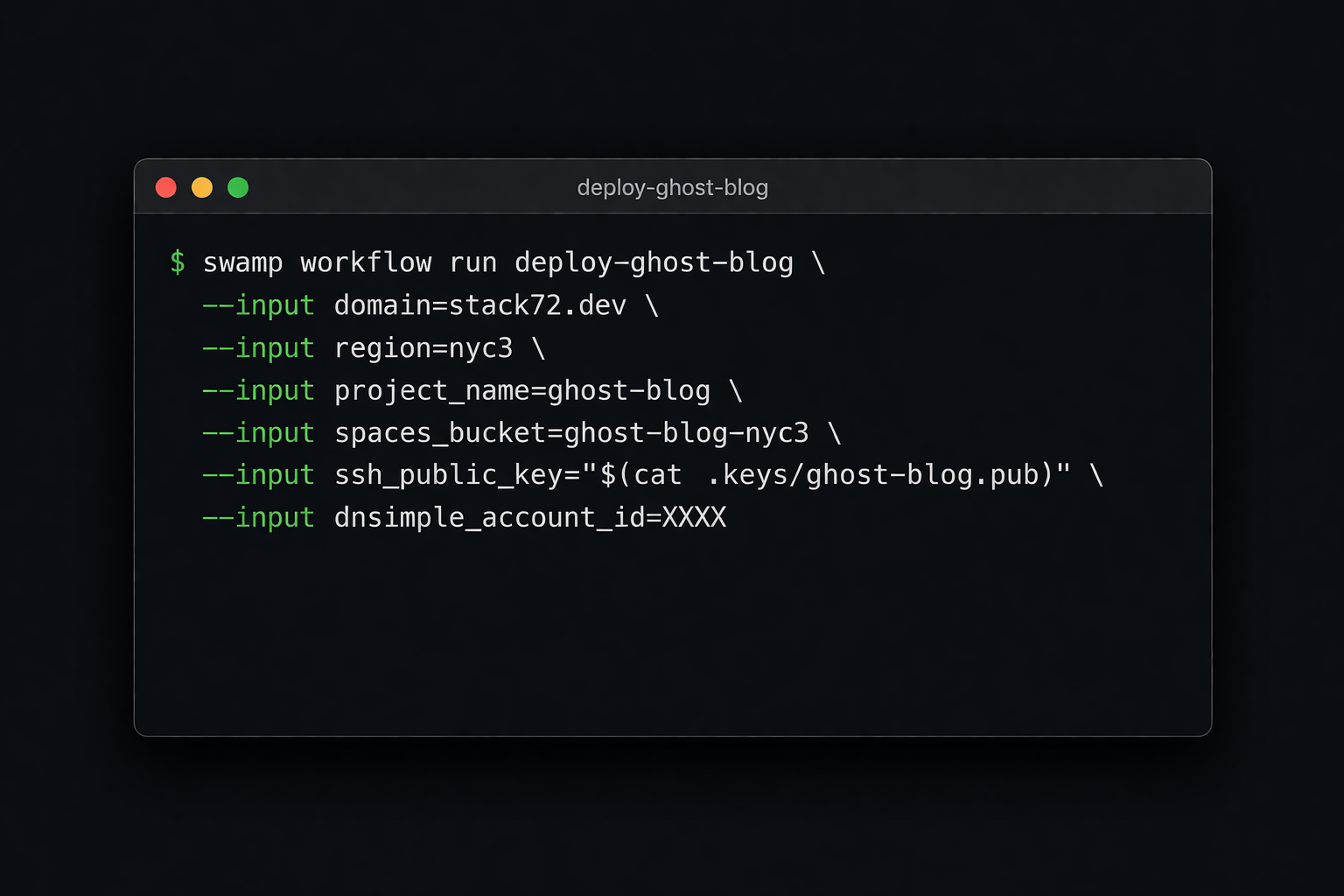
Running it is a single command:
swamp workflow run deploy-ghost-blog \
  --input domain=stack72.dev \
  --input region=nyc3 \
  --input project_name=ghost-blog \
  --input spaces_bucket=ghost-blog-nyc3 \
  --input ssh_public_key="$(cat .keys/ghost-blog.pub)" \
  --input dnsimple_account_id=XXXX
Updating
Pushing a config change or upgrading Ghost is a second, simpler workflow that updates the autoscale pool's user_data and triggers a rolling replacement of the droplets:
swamp workflow run update-ghost-blog \
  --input domain=stack72.dev \
  --input region=nyc3 \
  --input project_name=ghost-blog \
  --input spaces_bucket=ghost-blog-nyc3
Because swamp re-renders all the CEL expressions when the method runs, any change to the data graph, e.g. a rotated Spaces key, a new bucket name, an updated Ghost version, flows through automatically. The Litestream replication means each replacement droplet restores the latest database state on boot, so there's no data loss and no manual migration step.
A Repeatable, Shareable Automation
What I ended up with isn't just a working blog, it's a packaged automation. Someone else can take this configuration, set their own values for domain, region, bucket name, and credentials, and run the same workflow to get an identical stack. No manual steps, no institutional knowledge required.
For me, that means I can tear it down and rebuild it, move it to a different region by changing one input, or hand it off entirely. The models and workflows are the artifact, not the running infrastructure.
Swamp also tracks all resource state, and as of today there's a new interactive TUI for querying across it. Running swamp data query with no arguments drops you into a live query editor where I can type a CEL predicate, see results update in real time, get autocomplete on field names and tag keys, and use the inspector overlay (Ctrl-I) to explore the shape of your data without knowing field names upfront. It turns what used to be a trial-and-error one-shot command into something you can actually think with.
This is a very cool way of running this type of automation and something I am definitely down for!